
GOOGLE SHEETS · FUTURE EXPENSES
Periodic Bill Planner
Prepare for annual, quarterly, seasonal, and occasional expenses before they become a surprise.
$5
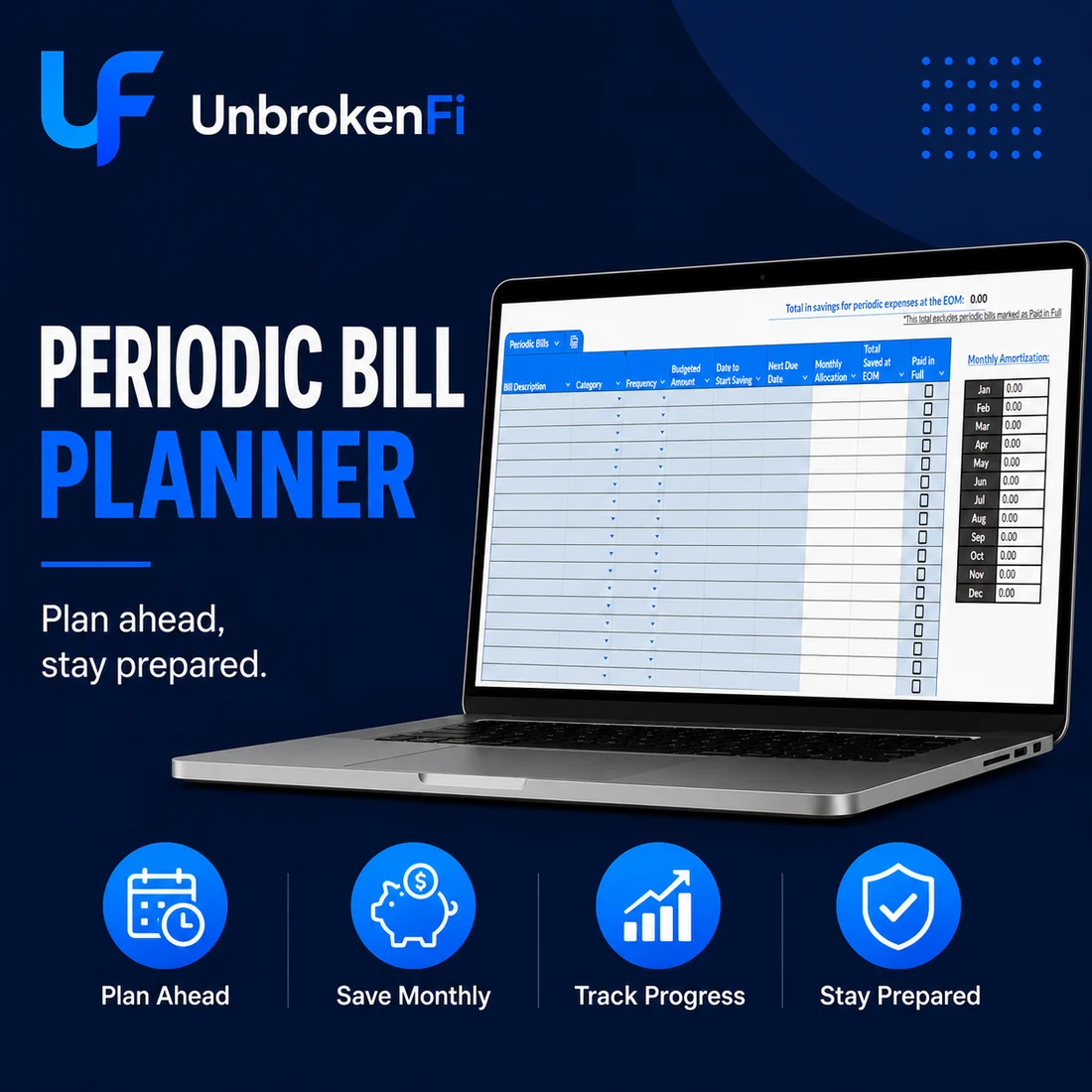
WHAT YOU GET
Built to make the plan easier to see.
NON-MONTHLY BILLS
Keep annual, quarterly, seasonal, and occasional expenses in one place.
MONTHLY SET-ASIDE
Calculate a manageable amount to save each month based on the amount and due date.
DUE DATES
Keep the timing of future expenses visible.
PROGRESS
See how much has already been saved toward each upcoming cost.
REPEAT CYCLES
Roll an expense into its next cycle after it is paid.
GOOGLE SHEETS
Use the planner from any device with a free Google account.
GOOD FIT IF
A focused way to prepare for expenses that do not happen every month.
FAQ
Before you get started.
What kinds of expenses can I add?
Anything that does not happen every month—annual subscriptions, registrations, holidays, quarterly bills, seasonal costs, and similar expenses.
How does the monthly amount work?
The planner uses the amount and timing of the expense to help calculate what needs to be set aside over time.
What happens after I pay a bill?
You can mark it paid and prepare the next cycle so the expense stays in the plan.
Do I need special software?
No. The planner runs in Google Sheets with a free Google account.